How to Find Your Best-Performing Instagram Posts
Your best posts are a record of what your audience actually wants. The trick is to rank them fairly, against your own average and within the same format, and then look for what the winners have in common instead of guessing.
First, decide what "best" means
A post can be best at different jobs. Decide which one you are measuring before you rank anything:
- Engagement: likes and comments compared with your audience size. Best for judging what your followers enjoy.
- Reach: views on reels, or reach in Insights. Best for judging what attracts new people.
- Conversations: comments, DMs and shares. Best for community and for businesses that sell through messages.
- Growth: follows from the post (in Insights). Best for judging what turns viewers into followers.
Most accounts start with engagement, because it can be measured on any public account and compared fairly.
Step 1: Collect your recent posts
Take your last 12 to 30 posts. Fewer than 12 and one unusual post dominates; many more and you are measuring an older version of your account. For each post, note:
- Date and time posted
- Format: reel, carousel or photo
- Likes and comments (visible on any public account)
- Views, for reels
- From Insights, if it is your account: reach, saves, shares and follows
Leave out posts that behave differently for a known reason, such as a paid boost or a giveaway, or mark them so you don't learn the wrong lesson from them.
Step 2: Rank by engagement, not likes alone
Add likes and comments for each post. Comments matter because they take more effort than a like, and many analysts give them extra weight. For reels, keep views alongside as a separate reach signal rather than mixing them into engagement.
Step 3: Compare each post with your own average
Raw numbers mislead when an account is growing or shrinking. Instead, express each post as a percentage above or below the account's typical post:
Performance vs average = (post engagement ÷ average engagement − 1) × 100
A post at +60% clearly beat the norm, while one at −40% fell well short. Using the median (the middle post) instead of the average is even fairer, because one viral post can drag the average up and make everything else look weak.
Worked example
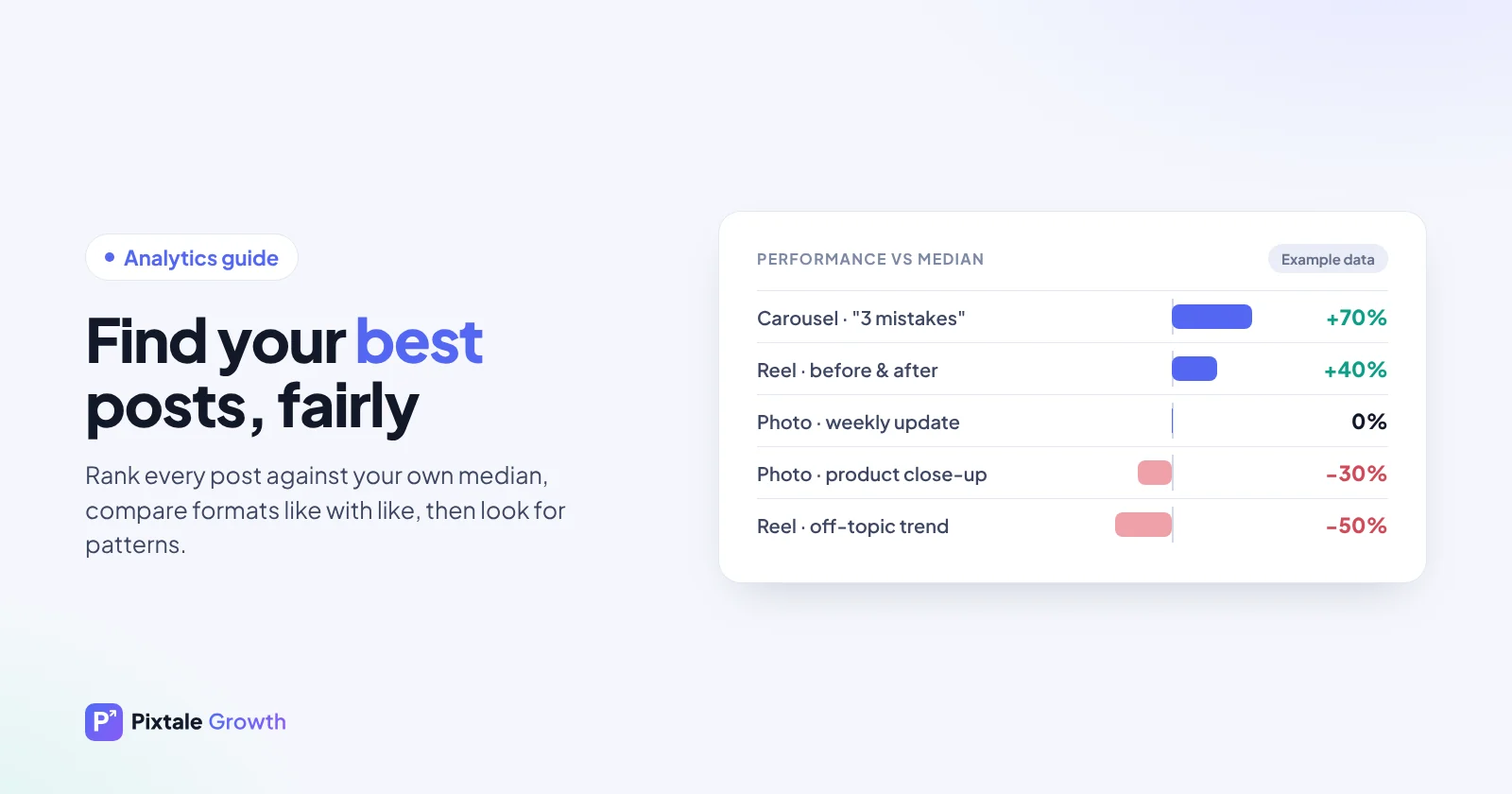
The numbers below are made up for illustration. The account's median post gets 300 likes plus comments.
| Post (example) | Format | Likes + comments | vs median |
|---|---|---|---|
| "3 mistakes beginners make" | Carousel | 510 | +70% |
| Before and after | Reel | 420 | +40% |
| Weekly update | Photo | 300 | 0% |
| Product close-up | Photo | 210 | −30% |
| Trend audio, no topic link | Reel | 150 | −50% |
Ranked this way, the strongest posts were a teaching carousel and a transformation reel, while a trend that had nothing to do with the account's topic fell flat.
Step 4: Compare formats fairly
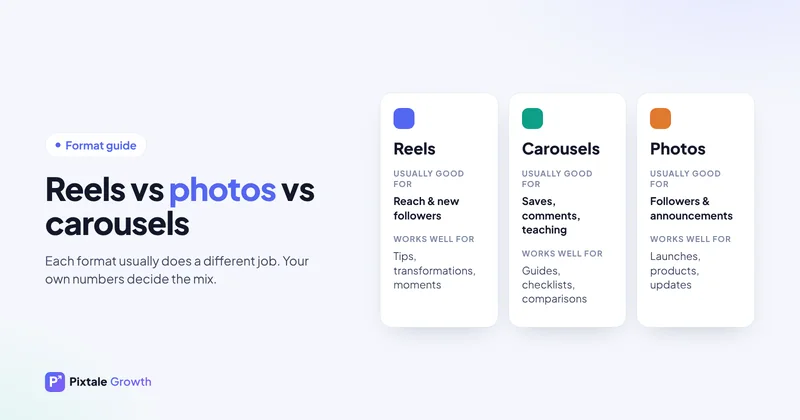
Reels and photos are shown to different people. Reels often reach many non-followers, so they can have huge views and a modest like rate. Photos and carousels are mostly seen by followers. Rank reels against reels and carousels against carousels as well as overall, otherwise one format will always look better for reasons that have nothing to do with the content. Reels vs photos covers this in detail.
Step 5: Tag each post
Give every post a few simple tags so patterns can show up:
- Format: reel, photo or carousel
- Topic or content pillar
- Type of hook or first line: question, result, mistake, story, list
- Length of the reel or number of slides
- Day and time posted
- Whether the caption asks a question or gives a call to action
- Faces on screen or not; text on screen or not
Step 6: Find the patterns
Put your top three to five posts next to your bottom three to five and compare the tags. You will usually find two or three differences that repeat, such as "the winners all show a result in the first second" or "the losers were all posted late at night". Those are your levers.
Be careful with small samples. If only one reel used a particular hook, that is a hint to test, not a rule. Look for patterns across at least three posts before changing your whole plan.
Step 7: Turn winners into a plan
- Make a sequel. Same topic and format, new angle, or a "part two".
- Change the format. Turn a winning carousel into a reel, or the other way round.
- Update it. Repost an improved version of an old winner with fresh examples.
- Answer the comments. The questions under a winning post are your next posts.
- Post it in your best slot. The guide to the best time to post explains how to find that slot from your own data.
Then measure again. A pattern that keeps winning over several weeks is worth building your content plan around; see the content strategy guide for creators.
Use Insights for the private signals
If it is your own account, Instagram Insights adds signals no outside tool can see: saves, shares, follows from the post and how much of the reach came from non-followers. A post with average likes but many shares is often spreading to new people, which is worth noting even if it doesn't top the engagement list.
Find a competitor's best posts too
The same method works on any public account. Rank a competitor's recent posts against their own median to see what their audience responds to, then compare with your own winners. Our guide to analysing Instagram competitors walks through it.
Mistakes to avoid
- Ranking by likes only. It ignores comments and favours whichever format gets the most passive views.
- Comparing old posts with new ones. Your audience and the app change; stick to a recent window.
- Letting one viral post set the bar. Use the median.
- Deleting weak posts. Learn from them instead.
See it for any account
The free analyser ranks recent posts for any public account and marks each one with a verdict. Individual and Enterprise explain why each post won or underperformed and turn the pattern into a content plan.
FAQ
Should I delete my worst posts?
Generally no. Learn from them instead. Deleting posts does not reliably improve future reach.
How many posts should I compare?
Your last 12 to 30 posts is a good range. Fewer and one unusual post dominates; many more and you are measuring an older version of your account.
Is it better to rank by likes or by engagement rate?
Engagement, meaning likes plus comments compared with your typical post, is fairer than likes alone. Keep reel views as a separate reach signal.
Why compare a post with the median instead of the average?
One viral post can push the average far above a normal post. The median is the middle post, so it reflects what a typical post really gets.
Can I find a competitor's best-performing posts?
Yes. Likes, comments and reel views are public, so you can rank any public account's recent posts against its own median.
Check any Instagram account free
AI rating, niche, engagement rate and top posts for any public profile. No login.
Analyse an account