

Instagram Reels vs Photos: Which Performs Better?
Many creators assume reels always win. On a lot of accounts they do reach more people, but reach and engagement are different questions, and the answer depends on your audience. Here is what each format is usually good at and how to find out which one wins on your own account.
The short answer
There is no format that wins on every account. Reels are often better for reaching people who don't follow you yet. Carousels and photos are often better at getting likes, comments and saves from people who already do. The right mix depends on whether your goal right now is growth, engagement or sales, and on what your audience responds to, which only your own numbers can tell you.
Reach and engagement are different
Reels are often shown to people who don't follow you yet, in the Reels tab, on Explore and in other people's feeds, so they can bring big view counts. Photos and carousels are mostly seen by existing followers, who may be more likely to like and comment. A reel with huge views and modest likes is doing a different job from a carousel with fewer viewers and strong comments. Judge each by the job it is doing.
What each format is usually good at
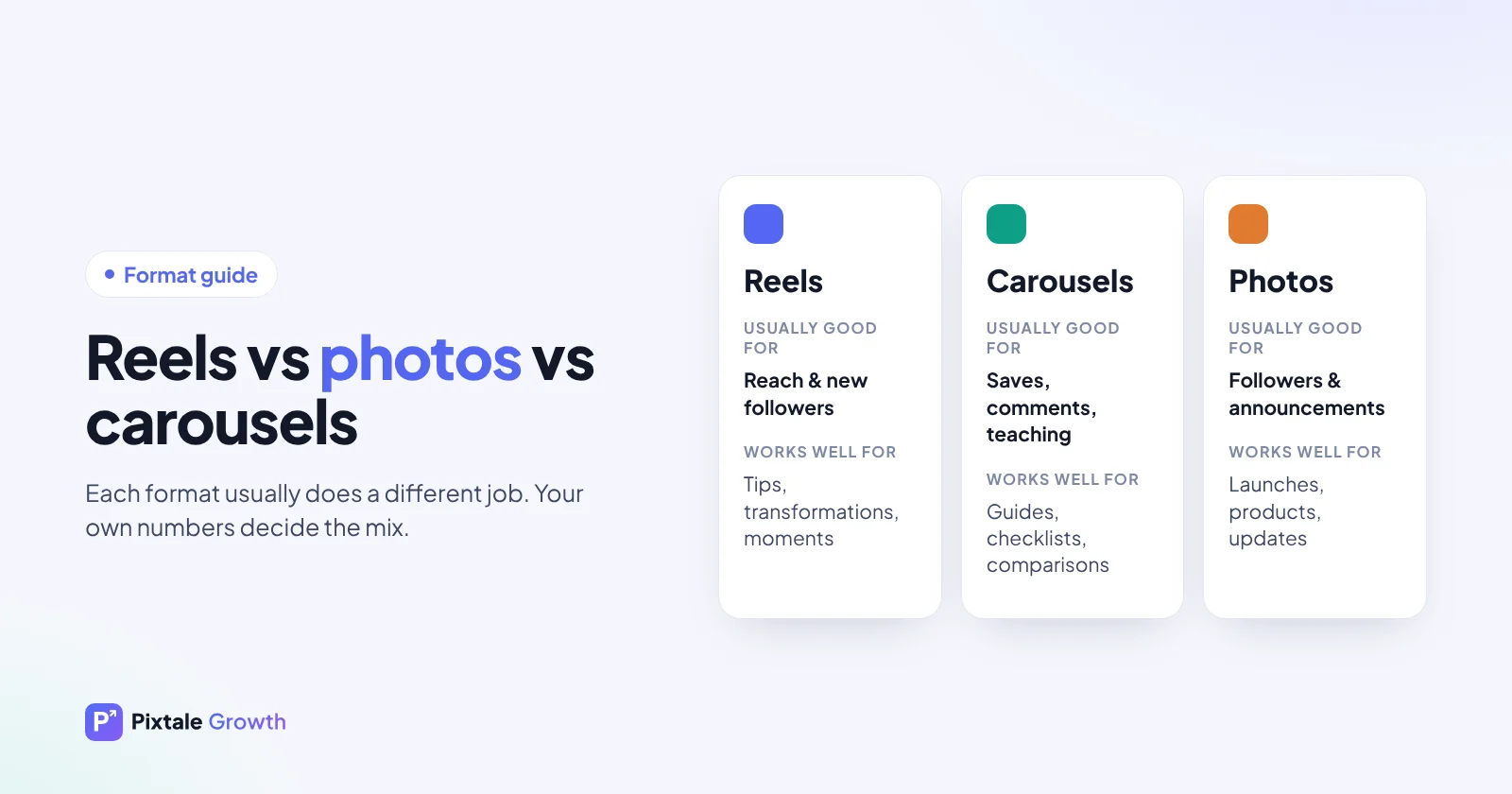
| Format | Usually good for | Works well for | Effort |
|---|---|---|---|
| Reels | Reach and new followers | Quick tips, transformations, moments, opinions, trends | Higher: filming and editing |
| Carousels | Saves, comments, teaching | Step-by-step guides, checklists, comparisons, stories | Medium: design and writing |
| Photos | Followers' attention, announcements | Products, launches, portraits, quotes, updates | Lower |
These are tendencies, not rules. A strong photo can beat a weak reel on any account.
How to compare formats on your own account
- Take your recent posts. Your last 12 to 30, posted in roughly the same period.
- Split them by format. Reels, carousels and single photos.
- Work out the typical engagement for each group. Likes plus comments per post. Use the median (the middle post) so one viral post doesn't distort the result.
- Keep reel views separate. Views tell you about reach, likes and comments tell you about engagement. Don't add them together.
- If it's your account, add Insights. Compare reach, saves, shares and follows per format too.
- Check the sample size. If you only have one or two posts in a format, post a few more before deciding.
Example comparison
Illustrative numbers for an account with 12,000 followers, not real data:
| Format (example) | Posts | Median likes + comments | Median reel views |
|---|---|---|---|
| Reels | 6 | 280 | 9,500 |
| Carousels | 4 | 390 | – |
| Photos | 3 | 210 | – |
In this example, reels reach far more people, while carousels get the most engagement per post. A sensible plan would keep reels for growth, lean on carousels for teaching and saving, and use photos for announcements.
Where carousels fit
Carousels work well for step-by-step tips, comparisons and stories, because each swipe keeps people on the post. They are also easy to save for later, which is a useful sign that the post had lasting value. On educational and business accounts they often hold their own against reels on engagement. A good first slide matters as much as a reel's first second: it should promise what the swipe will deliver.
When photos still win
- Launches and announcements that need one clear image and a short message.
- Products where a sharp image sells better than a moving one.
- Personal updates and milestones that followers care about.
- Local businesses sharing opening hours, events or offers.
Pick the format by goal
- Growth (new followers): lead with reels on topics people outside your audience search for or share, with a hook in the first second and a reason to visit your profile.
- Engagement (likes, comments, saves): carousels that teach something or ask for an opinion, and photos that your existing followers care about.
- Sales or enquiries: a clear product photo or carousel with price, how to order and a call to action, supported by reels that show the product in use.
- Community: stories with polls and questions, and carousels that answer what followers asked.
Getting more from each format
Reels
- Show the result or the most interesting moment in the first second; see 40 reel hooks.
- Keep it as short as the idea allows. A tight 15-second reel that people rewatch often beats a slow minute.
- Add on-screen text, because many people watch without sound.
- Give viewers a reason to send it to a friend: something useful, funny or relatable.
Carousels
- Make the first slide a clear promise ("5 mistakes that…", "Before you buy…").
- One idea per slide, with large, readable text.
- End with a summary slide and a question or a reason to save.
Photos
- Use one strong, well-lit image with an obvious subject.
- Let the caption carry the story: lead with the most interesting line.
- Tag relevant people, products or locations where it is genuinely useful.
Mixing formats
Most accounts do best with a mix rather than one format. A simple starting point is to give each format a job: reels to reach new people, carousels to teach and earn saves, photos for news and stories for the relationship with followers. Then adjust the mix based on your monthly numbers.
Repurposing saves time: a winning carousel can become a reel with the same points on screen, and a reel's key moment can become a photo with a strong caption.
What to do with the answer
Lean into the format that wins on your account for the goal you care about most, but keep testing the other formats occasionally. Audiences shift and Instagram changes how it shows each format, so revisit the comparison every month or so.
For the bigger picture, see our content strategy guide for creators, and for getting more from reels, how to increase reel views.
Compare formats instantly
The Pixtale Growth analyser shows reels against photos for any public account, including competitors. Individual and Enterprise break it down post by post and explain why each one won or flopped.
FAQ
Do reels get more followers?
They often reach more non-followers, which can bring new followers. Whether those people stay depends on the rest of your content.
Are carousels better than reels for engagement?
On many educational and business accounts, carousels get as many or more likes, comments and saves per post. Compare the two on your own account before deciding.
Should I stop posting photos?
No. Photos still work well for announcements, products and personal updates. Use them for those jobs and check how they do against your other formats.
How many posts do I need to compare formats?
At least three or four of each format, posted in the same period. With only one or two, the result is mostly chance.
Should I add reel views to engagement?
No. Views measure reach, while likes and comments measure engagement. Keep them separate so reels and photos can be compared fairly.
Check any Instagram account free
AI rating, niche, engagement rate and top posts for any public profile. No login.
Analyse an account