

Instagram Analytics for Small Businesses
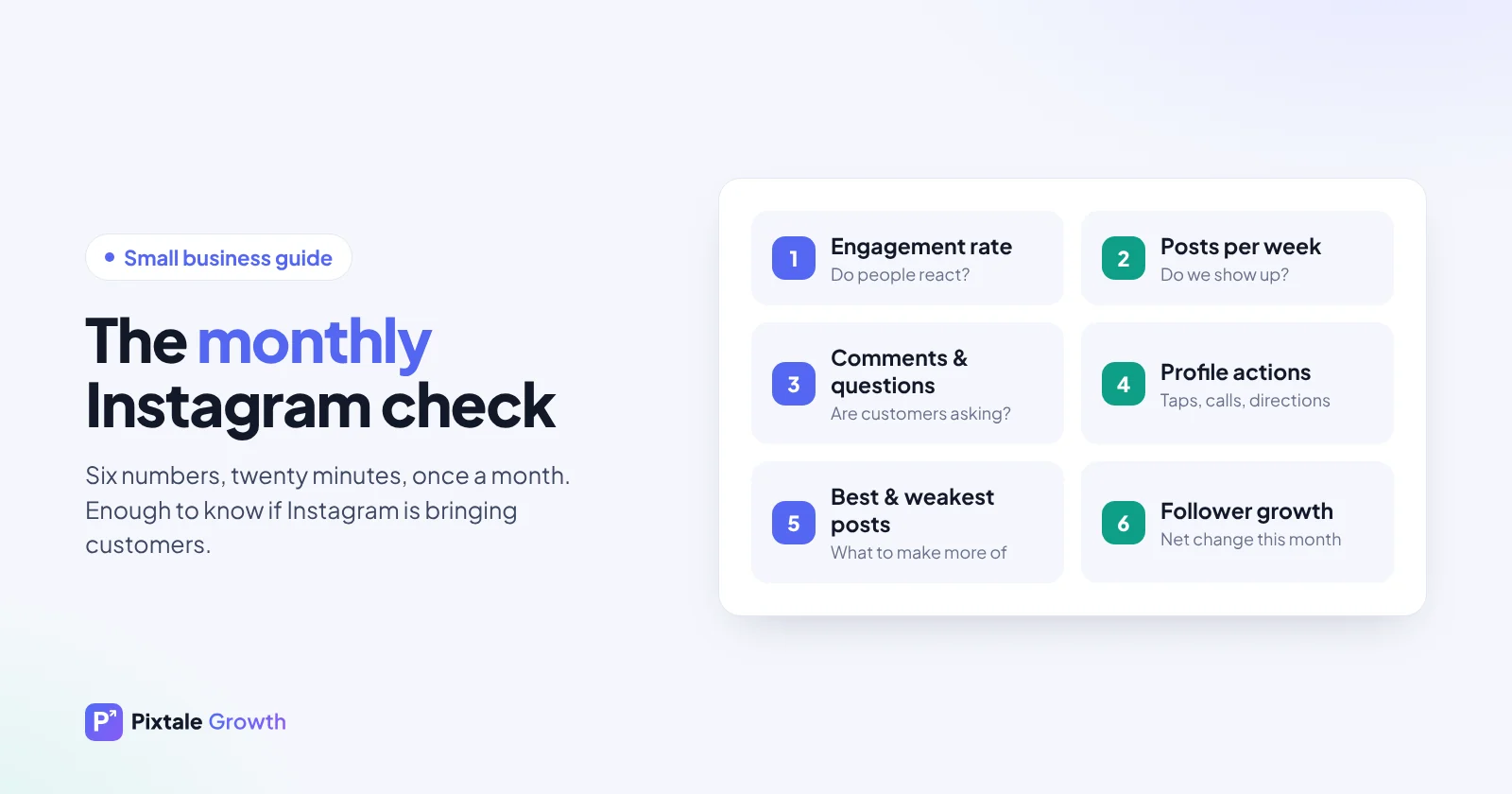
Small businesses rarely have time for complicated dashboards, and they don't need one. A handful of numbers, checked once a month, tells you most of what you need to know about your Instagram: whether the right people see your posts, whether they care, and whether any of it turns into customers.
What Instagram analytics should answer for a small business
A big brand can measure brand awareness. A café, salon, boutique or local service mostly wants three answers:
- Are the right people seeing us? Followers and reach in your town or your customer group, not random accounts across the world.
- Do they care? Likes, comments, saves and shares on a typical post, which is what engagement rate summarises.
- Does it bring business? Messages, calls, website taps, bookings and orders that started on Instagram.
Everything else is detail. If a number doesn't help answer one of these three questions, you can safely ignore it.
Instagram Insights or a public analytics tool?
You will usually use both, because they see different things.
- Instagram Insights is built into the app for professional accounts (business or creator). It shows numbers only you can see for your own account: reach, how many viewers were not followers, saves, shares, profile visits, website taps and the times your followers are most active. Switching a personal account to a professional one is free in the app settings.
- A public analytics tool such as Pixtale Growth reads what anyone can see on a public profile: posts, likes, comments, views on reels and follower count. That means it works on any public account, including competitors and businesses you admire, without a login, and it can compare you with them.
Use Insights for the private numbers about your own account and a public tool for benchmarking and for seeing what works for others in your category.
The six numbers worth tracking
1. Engagement rate
Average likes plus comments per post, divided by followers. It tells you whether your audience reacts to what you post. Our guide to Instagram engagement rate explains the formula and what counts as good for your size. Small accounts with a local following often have a higher rate than big brands, because followers know the business personally.
2. Posts per week
Consistency matters more than volume. Note how many posts you actually published each week. Many small businesses find that engagement drops simply because posting became irregular during a busy month.
3. Comments and questions per post
For a business, comments are often more valuable than likes, because they include questions about price, sizes, delivery, opening hours and availability. Count them, and answer every one quickly. Our guide on finding customers in Instagram comments shows how to spot buying intent.
4. Profile actions
In Insights, look at profile visits, website taps, call and email taps and direction taps. These are the moments someone moved from browsing to considering you. A post that sends people to your profile is doing more for the business than one that only collects likes.
5. Your best and weakest posts
Rank recent posts by engagement and note what the top ones share: a product, a person, a format or an offer. How to find your best-performing posts walks through this step by step.
6. Follower growth
Track the net change each month rather than daily swings. Steady growth from your area or customer group is healthier than a sudden jump from a giveaway that attracts people who will never buy.
A 20-minute monthly review
Put a recurring reminder in your calendar for the first working day of each month and follow the same steps every time:
- Write down followers, posts published, engagement rate and total comments for last month.
- Open Insights and note reach, profile visits and website taps for the month.
- List your top three and bottom three posts by engagement. Write one line about what each one was.
- Count the enquiries and orders that came from Instagram (see the next section).
- Choose one thing to change next month, and write it down.
A simple spreadsheet or a page in a notebook is enough. The value comes from doing it every month, so you can compare like with like.
Connect posts to sales
Instagram numbers are a means to an end. A post with modest likes that brings three enquiries beats a popular post that brings none. A few low-effort ways to see which posts lead to business:
- Ask new customers. "How did you hear about us?" at the counter, on the booking form or in the first reply to a message.
- Use a code word. Put a different offer word in different posts ("mention DIWALI10") and count how often each is used.
- Track your link in bio. Add campaign tags (UTM parameters) to the link so your website analytics shows visits from Instagram.
- Note messages next to posts. When a DM mentions a product, write down which post it came from.
Example: a tracking sheet for a home bakery
The numbers below are an illustration, not real data. They show how a small tracking sheet makes the useful posts obvious.
| Post (example) | Format | Likes + comments | DMs | Orders |
|---|---|---|---|---|
| Diwali hamper launch | Carousel | 140 | 9 | 6 |
| Behind the scenes, icing a cake | Reel | 310 | 2 | 1 |
| Customer's birthday cake | Photo | 95 | 4 | 3 |
| Funny baking fail | Reel | 420 | 0 | 0 |
In this example the most liked post brought no orders, while a carousel with a clear offer brought most of the sales. Both are useful: the reels build reach, the offer posts convert. Without the sheet, the bakery might have decided to post only funny reels.
Learn from local competitors
Pick three to five businesses in your area or category that are doing well on Instagram. Once a month, look at their recent posts and ask:
- Which of their posts got the most engagement, and what format were they?
- Do they show products, people, the process or customer results?
- How often do they post, and do they reply to comments?
- Which offers or events get people talking?
You are not copying them. You are learning what your shared customers respond to. Our guide to analysing Instagram competitors has a full checklist.
Mistakes that waste small-business time
- Chasing follower count. A thousand local followers who buy are worth more than ten thousand who never will.
- Buying followers or likes. They never become customers, they pull down your engagement rate, and they make your numbers useless for decisions.
- Judging after one post. One post is noise. Look at patterns across several weeks.
- Ignoring messages. A slow reply to a price question is often a lost sale.
- Posting only offers. If every post is a sale, people stop paying attention. Mix in the story behind the business, customers and useful tips.
One improvement a month
Changing everything at once makes it impossible to tell what worked. Choose one experiment per month, such as:
- Posting at your best time instead of whenever you remember.
- Ending every caption with a specific question.
- One short reel a week showing the process behind a product or service.
- Replying to every comment within a few hours.
- A weekly carousel that answers a question customers often ask.
- Featuring a customer (with their permission) once a week.
At the next monthly review, compare the numbers with the month before and keep what helped.
Check your account free
The Pixtale Growth analyser shows your rating, engagement and top posts without logging in, and you can run the same check on local competitors. Individual and Enterprise add AI explanations of why posts worked, comment intelligence that highlights people asking to buy, and a content plan.
FAQ
Do I need a business account to be analysed?
No. Any public account can be analysed from its public posts. You need a professional account only to see Instagram Insights for your own profile.
How often should a small business check Instagram analytics?
Once a month is enough for most small businesses. Use the same short checklist each time so you can compare months fairly.
What is a good engagement rate for a small business?
Accounts under 10,000 followers often see roughly 2.5% to 5.5%, and local businesses with a loyal community can be higher. Compare yourself with similar businesses of a similar size.
Which matters more, likes or comments?
For a business, comments and messages usually matter more, because they include questions about price, availability and orders. Likes are still a useful sign that people saw and enjoyed the post.
Can I see a competitor's Instagram analytics?
You can see anything public: their posts, likes, comments, reel views and follower count. Their reach, saves and audience details are private to them.
Check any Instagram account free
AI rating, niche, engagement rate and top posts for any public profile. No login.
Analyse an accountWant the numbers for any account in a minute? Try our free Instagram analytics.